Dance Through the Bullets
Coming to Steam · Closed alpha by invitation
scroll ▾
Dance Through the Bullets
Coming to Steam · Closed alpha by invitation
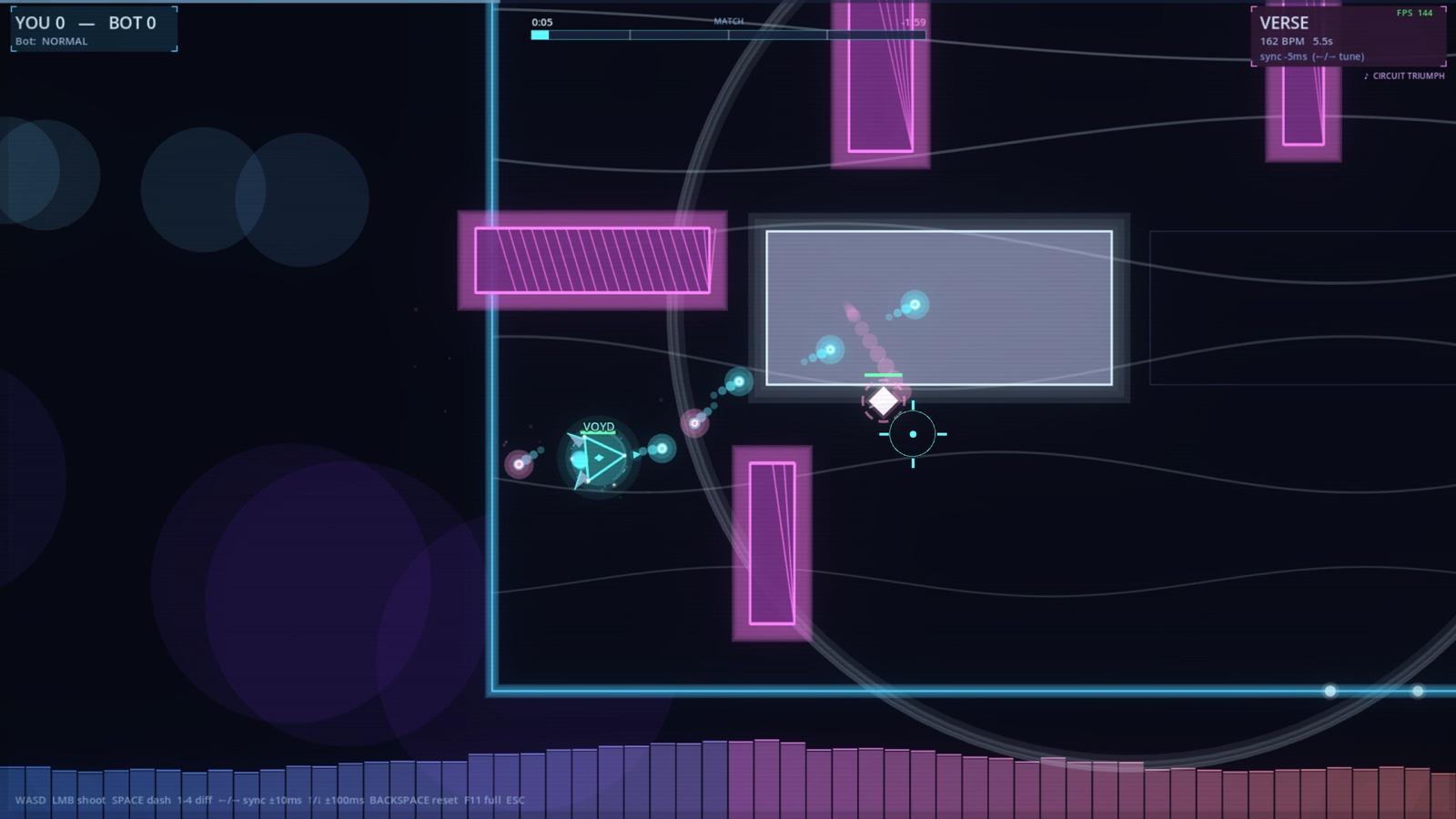
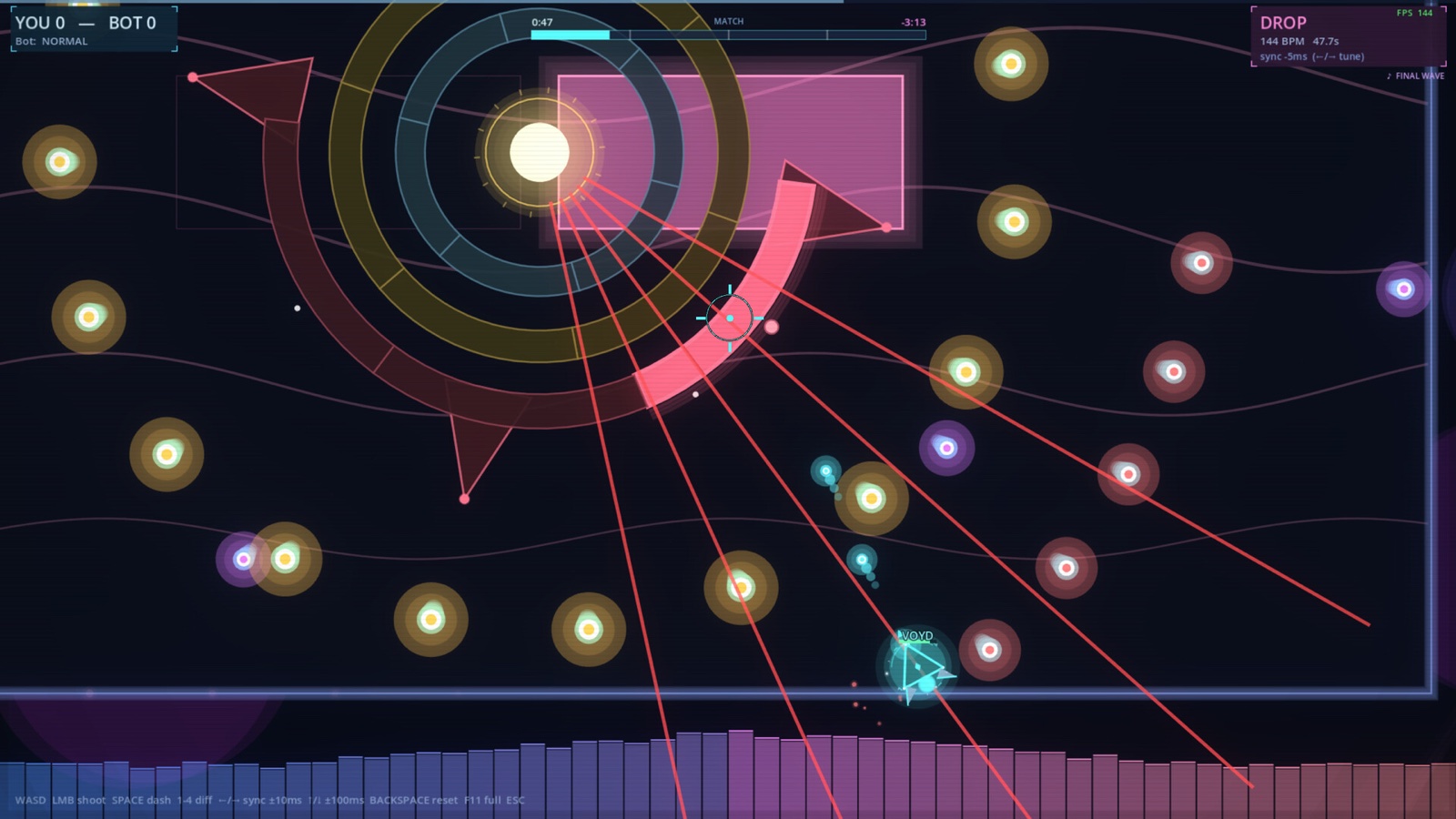
Every kick of the bassline pushes a new wall up through the floor. Every snare swings a beam across the arena. Every drop rewrites the geometry around you. You're not just fighting another shape — you're dancing with the song.
Movement is the fight. Your dash is a meter, not a cooldown. Burn it dodging fire and you'll get caught when the laser turns your way. Save it, and punch a hole clean through the next drop.
Every shape is a class. Skirmish as a triangle, anchor as a square, snipe, teleport, or grind the arena down with sustain — then test your build solo against music-driven bosses.
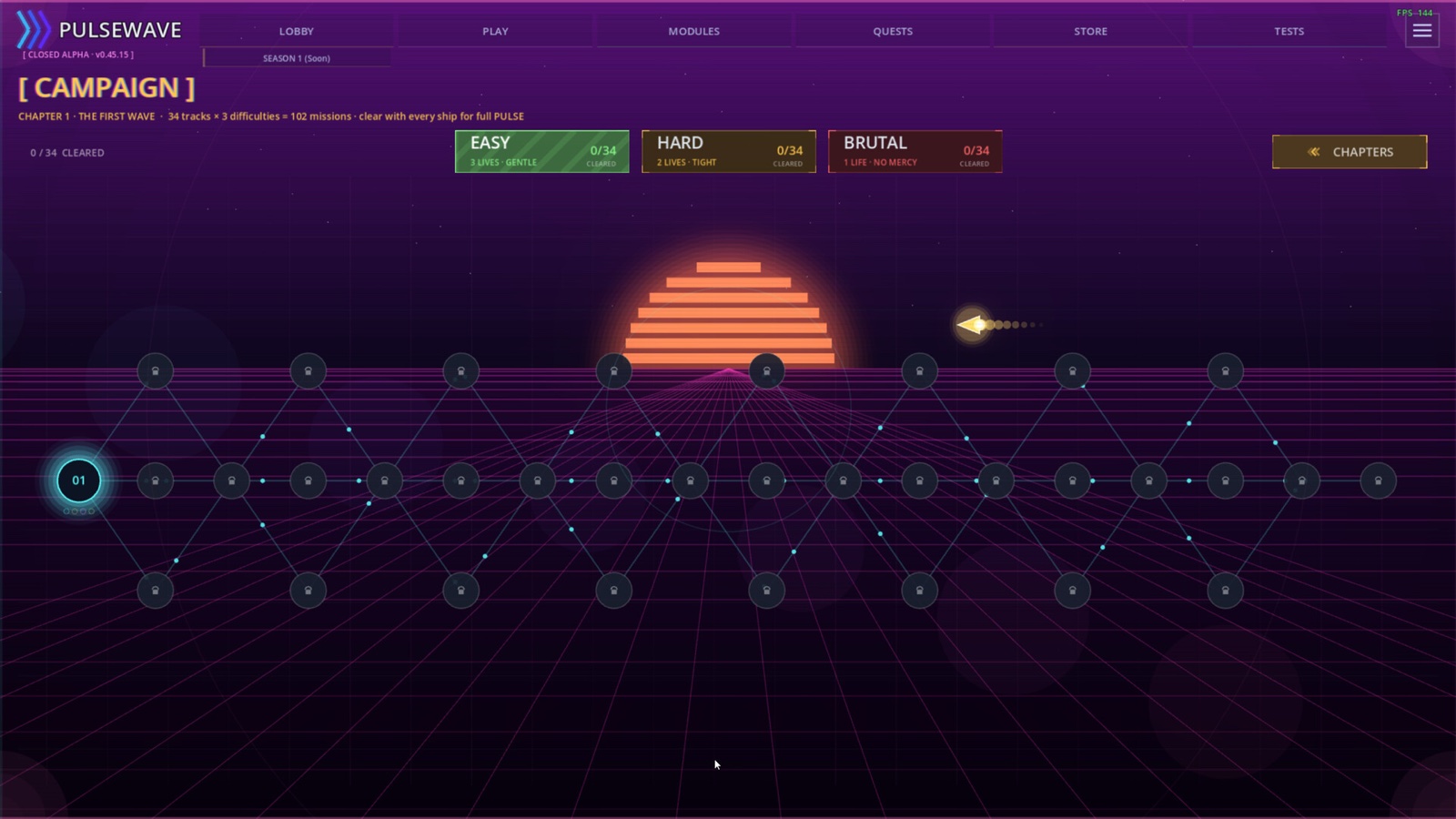
34 tracks × 3 difficulties = 102 missions. A skill tree, a boss on every drop, full rewards for clearing each level with every ship.
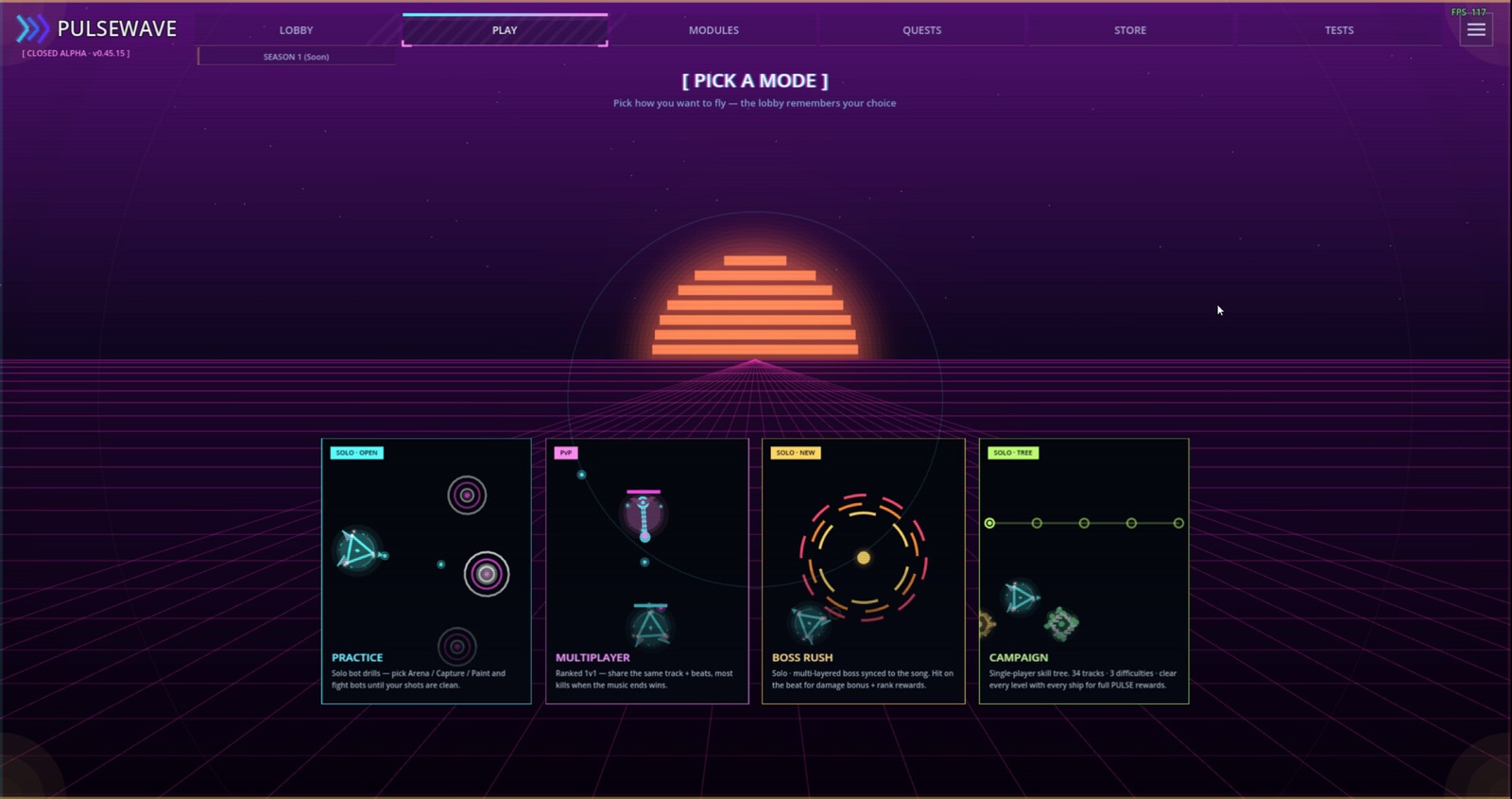
Solo against a multi-layered boss synced to the song. Hit on the beat for damage bonuses and rank rewards.
Ranked 1v1 on a shared track and beat grid. Most kills when the music ends takes the round.
Solo bot drills — Arena, Capture the Pulse, or Paint War — until your shots are clean.
The soundtrack is the campaign. Each track is its own level — its tempo sets the pace, every drop reshapes the arena, and a boss waits at the climax. 34 tracks × 3 difficulties = 102 missions, cleared with every ship for full PULSE.
The campaign map — every node is a song.
 Pressure Drift
 In the Blood
 Take You High
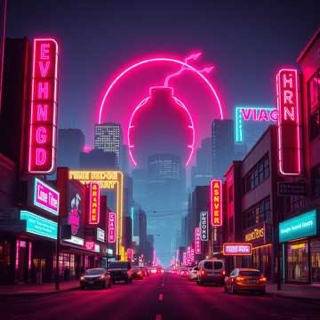 Time Bomb Zone
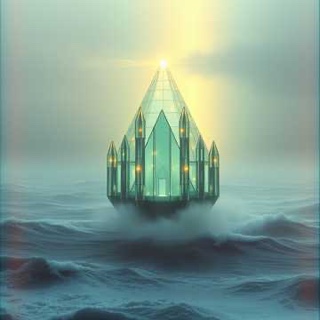 Glass Cathedral
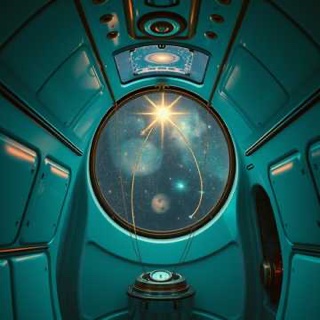 Space Camp
 Pressure Inferno
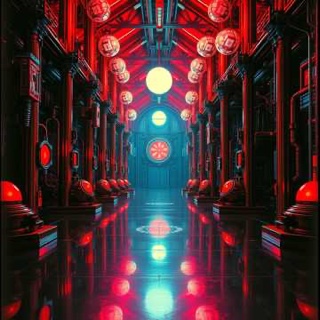 Pulse Reactor
34 tracks · 102 missions · escalating tiers · a boss on every drop
Pulsewave is in invite-only alpha. Hop into our Discord to apply for access, grab weekly builds, and help shape the game with a direct line to the devs.